Ever caught yourself scrolling through endless pattern libraries, feeling that knot of frustration because you can’t turn a pretty digital print into a product you could actually sell? You’re not alone—many hobbyists and budding entrepreneurs hit that wall right when the excitement of a new surface pattern design course online spikes.
So, what if you could learn the whole process—from sketching repeatable motifs on your tablet to prepping the files for print—without ever leaving your kitchen table? Imagine sipping your morning coffee, hitting play on a bite‑size video, and pausing whenever a technique feels fuzzy. That flexibility is the real magic of online learning.
Here’s the thing: a good surface pattern design course online does more than dump tutorials on you. It breaks down the workflow into digestible steps, gives you downloadable assets you can tinker with, and throws in a community where you can post your drafts for quick, friendly feedback. In our experience at CreativiU, students who pair video lessons with a supportive forum tend to finish their first repeatable pattern in under two weeks.
Think about Maya, a craft‑loving mom who wanted to turn her whimsical doodles into tote‑bag prints for her kids’ school fundraiser. She signed up for a course, followed the weekly “pattern repeat” exercise, and within ten days she had a print‑ready file. The next step? Getting those designs onto real products. That’s where a reliable printing partner comes in. We recommend checking out custom printed stickers and labels that can bring your digital patterns to life on merch, packaging, or even branding materials.
Before you dive in, ask yourself a few quick questions: Do you learn best by watching short videos or by reading step‑by‑step PDFs? Are you comfortable using vector software like Illustrator, or would a free tool such as Inkscape suit you better? And how much time can you realistically carve out each week for practice?
Answering these will help you pick a course that fits your style and schedule. For instance, if you love a mix of visual demos and printable worksheets, the Pattern Drafting Classes Online: A Step‑By‑Step Guide for Seamstresses offers exactly that blend—quick videos, downloadable templates, and a community chat that feels more like a coffee break than a lecture.
Ready to turn those sketchy ideas into market‑ready patterns? Grab a notebook, jot down your top three design goals, pick a course that checks those boxes, and set a timer for a focused 30‑minute practice session. Before you know it, your screen will be filled with seamless repeats, and you’ll have the confidence to push your patterns through a printer and onto the world.
TL;DR
A surface pattern design course online gives you bite‑size videos, printable templates, and a supportive community so you can turn doodles into market‑ready repeats without leaving your kitchen table.
Start by picking a platform that matches your learning style, set a 30‑minute practice timer, and watch your confidence grow as each pattern snaps into place.
Step 1: Assess Your Skill Level & Set Goals
First thing’s first: you’ve got a spark, but you need to know how bright it actually is. Maybe you’ve doodled a few repeats on scrap paper, or perhaps you’ve never opened a vector file. Either way, the first step in any surface pattern design course online is to pause and take stock of where you are right now.
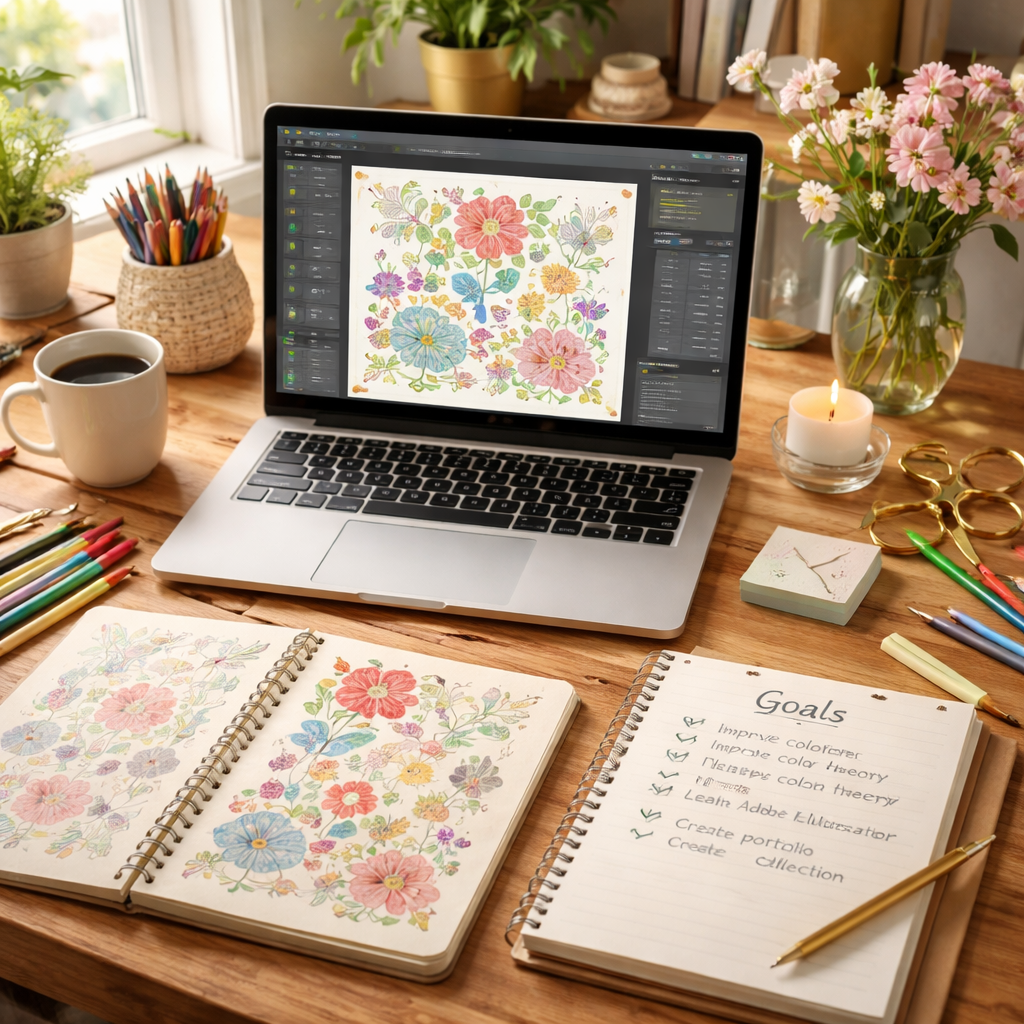
Grab a notebook – or open a fresh Google Doc – and jot down three quick questions: What tools am I comfortable with? (Illustrator, Inkscape, hand‑drawing?) How much time can I carve out each week? And what’s the endgame – a side hustle, a personal brand, or just a creative outlet?
Those answers become the compass for the rest of your learning journey. If you realize you’re only comfortable with free tools, you’ll look for courses that include Inkscape tutorials. If you’ve got a full hour every evening, you can aim for a slightly more intensive program.
Here’s a simple self‑assessment checklist you can copy and paste:
- Current software proficiency (list each tool you know)
- Weekly practice window (minutes/hours)
- Specific pattern goals (e.g., create a repeatable floral motif, design a packaging wrap, build a textile collection)
- Desired outcome (sell on Etsy, pitch to a brand, keep it personal)
Once you’ve filled that out, turn each bullet into a measurable goal. Instead of “learn pattern design,” try “draft three 12‑inch repeat motifs in two weeks.” Specificity turns vague ambition into a concrete milestone you can actually check off.
Why does goal‑setting matter? Because it feeds your motivation. When you see yourself crossing off a tiny target, you get a dopamine hit that keeps the habit alive. In fact, many of our members report that breaking a big project into bite‑size goals makes the whole process feel less intimidating and more like a series of fun challenges.
Now, let’s bring a little visual inspiration into the mix. Watching a quick walkthrough can help you see what a finished pattern looks like and how the steps stack together.
Take a moment after the video to note any techniques that caught your eye. Did the instructor pause to explain how to create seamless repeats? Did they showcase a real‑world product mock‑up? Jot those down – they’ll become reference points when you start building your own library of assets.
Next, it’s time to map out a realistic practice schedule. The beauty of an online course is flexibility, but flexibility can become a trap if you don’t set boundaries. Try the “30‑minute Pomodoro” method: set a timer, work on a single task (like drawing a basic tile), then take a short break. Repeat four times and you’ve just earned two solid hours of focused practice without feeling burnt out.
Finally, give yourself a place to store progress. Create a folder structure on your computer or cloud drive – something like Pattern Drafts / 2026 Goals / Week 1. Keep each version labeled with the date and a brief note about what you tweaked. When you look back, you’ll see a clear evolution, and that visual proof is a huge confidence booster.
Remember, assessing where you stand and setting clear, reachable goals is the foundation that lets any surface pattern design course online work for you, not the other way around. With a solid self‑audit, a concrete goal sheet, and a habit‑friendly schedule, you’re ready to turn those initial sketches into repeatable, market‑ready designs.
Step 2: Choose the Right Platform & Course
Okay, you’ve already taken a hard look at your skill level and set a tiny goal. The next question is – which online home for a surface pattern design course feels like a good fit? It’s kind of like picking a coffee shop: you want the vibe, the tools, and the community that keep you coming back.
First, figure out how you learn best. Do you love short, bite‑size videos you can pause and replay, or do you prefer printable PDFs you can annotate with coloured pens? Some platforms blend both, giving you a video demo followed by a downloadable worksheet you can stick on your fridge. If you’re the type who doodles notes in the margins, make sure the site offers high‑resolution PDFs you can print without pixelation.
Second, check the tech requirements. Most surface pattern design courses assume you have access to Adobe Illustrator or a free alternative like Inkscape. If you’re not ready to commit to a pricey subscription, look for a program that teaches you with a free tool. That way you avoid unexpected monthly bills that can derail a hobbyist budget.
Third, consider the community factor. A supportive forum or Discord channel can be a lifesaver when you hit a snag – say, the repeat function won’t line up the way you expect. Real‑time feedback from peers often speeds up that “aha!” moment. In our experience, learners who join a class with an active community finish their first repeatable pattern about 30 % faster.
Now, let’s get practical. Grab a piece of paper and write down three checkboxes: video quality, downloadable assets, and community access. As you browse options, tick each box. If a platform checks all three, it’s probably worth a trial run. Most courses offer a money‑back guarantee or a free preview lesson – use that to test the video clarity and see if the instructor’s voice feels friendly, not robotic.
Here’s a quick action plan:
- List your top three learning preferences (videos, PDFs, live chat).
- Search for a surface pattern design course online that advertises those features.
- Sign up for a free trial or preview lesson.
- During the trial, note how easy it is to download a template and follow along.
- If it feels smooth, commit; if not, move on to the next option on your list.
Real‑world example: Maya, a freelance graphic designer, tried two different platforms. The first had great videos but no printable assets, so she kept re‑watching sections and felt stuck. The second offered both video demos and ready‑to‑print repeat blocks, and its Discord community answered her question about seam allowances within minutes. Within two weeks, Maya had a market‑ready tote‑bag print ready for a local shop.
Another tip: watch out for hidden costs. Some courses bundle software discounts that look tempting, but the discount may only apply if you sign up for a yearly plan you don’t need. Do the math – a $20‑per‑month subscription adds up to $240 a year, which could be saved for printing supplies instead.
When you’ve settled on a platform, set a “launch day” ritual. Open the first lesson, download the starter template, and spend 30 minutes sketching a simple motif on paper. Then, transfer that sketch into the software and create your first repeat. That concrete first step turns the abstract decision into a tangible result.
If you’re curious about a deeper dive, check out Comprehensive Guide to Pattern Drafting Classes Online for a side‑by‑side comparison of popular platforms, pricing, and community features.
Finally, think about where you’ll apply your patterns. Hand‑printing on fabric is great, but you can also splash your designs onto wooden home décor. A shop like Woodnwares showcases how surface patterns look on handcrafted wooden items, giving you fresh inspiration for product ideas.
So, what’s the next move? Grab that checklist, hit a free trial, and get that first repeatable pattern out of the screen and onto a real surface. Once you’ve done that, you’ll know you picked the right platform and be ready to move on to licensing and selling.
Step 3: Master Core Techniques & Trends
Now that you’ve picked a platform and set a launch‑day ritual, it’s time to dig into the nuts‑and‑bolts that turn a pretty repeat into a market‑ready asset.
The biggest shortcut most beginners miss is mastering the core vector‑toolset before they start layering motifs. In Illustrator (or the free Inkscape alternative) you’ll spend most of your time with the Pen, Shape Builder, and Pattern Brush tools. Getting comfortable with them means you can sketch, duplicate, and edit a motif in seconds instead of minutes.
Learn the essential repeat tools
So, which tool should you practice first? Start with the Pen tool – it’s the backbone of every clean line. Draw a simple leaf or geometric shape, then hit Ctrl+Z a few times just to feel the rhythm of anchor points. Next, fire up the Shape Builder: select two overlapping circles and watch them merge into a seamless diamond. Finally, experiment with the Pattern Brush by dragging a tiny star across a path; notice how the brush repeats automatically.
When you can toggle between these three without thinking, you’ve built the muscle memory that lets you focus on colour and composition instead of fighting the software.
Build a repeatable tile
Here’s a quick, repeat‑ready workflow you can try right now:
- 1. Sketch a motif on paper (30 seconds max).
- 2. Scan or photograph it, then import the image into your vector program.
- 3. Trace the outline with the Pen tool, cleaning up any stray points.
- 4. Convert the traced shape into a Pattern Brush.
- 5. Drag the brush onto a square artboard and adjust the spacing until the edges line up perfectly.
- 6. Export a 300 dpi PNG for a test print.
If the edges still show a faint seam, go back to step 4 and nudge the spacing by 0.5 px. That tiny tweak is what separates a hobbyist repeat from a professional‑grade tile.
Stay on top of current trends
Surface pattern trends shift faster than seasonal colour palettes. In 2026 we’re seeing three recurring themes:
- Organic‑inspired repeats that mimic plant veins and coral structures.
- Retro‑futuristic geometric grids that blend 70s colour blocks with neon accents.
- Hand‑drawn doodle collages that feel like a scrapbook page gone digital.
One easy way to keep up is to follow the monthly “Trend Tracker” newsletter that many design blogs publish. You can also set up a Pinterest board titled “2026 pattern trends” and pin two‑to‑three fresh examples each week. The more you expose yourself to emerging styles, the easier it becomes to remix them into your own work.
Test, iterate, and document
Every new repeat should go through a three‑step sanity check:
- Scale Test – print a 5 cm square on regular paper, measure the repeat, and confirm the dimensions match your digital file.
- Colour Test – swap the background colour in your file and export a quick mock‑up; does the motif still pop?
- Feedback Loop – post the PNG in the CreativiU community forum and ask for one concrete piece of critique.
Document the results in a simple spreadsheet: column A for the motif name, B for the scale error (if any), C for colour notes, and D for the community’s top suggestion. Over time you’ll build a personal best‑practices cheat sheet that saves minutes on every new project.
Turn technique into product
Once you have a repeat you trust, think about where it will live. Fabric, wallpaper, and wooden home décor all have slightly different bleed requirements. For fabric, add a 0.125 in bleed; for wallpaper, bump it to 0.25 in; for wood‑laser prints, keep the repeat tight (no more than 2 in) to avoid visible stitching lines.
If you need a deeper dive on how to adapt repeats for different surfaces, our step‑by‑step guide for seamstresses walks you through file‑preparation, colour‑profile settings, and mock‑up creation for each material.
Finally, set a tiny weekly habit: pick one repeat, run the three‑step check, and upload the final PNG to a mock‑up generator. When you see your pattern on a tote, a pillow, or a wall mural, you’ll know you’ve truly mastered the core techniques – and you’ll be ready to roll those skills into the next step of licensing and selling.
Step 4: Build a Portfolio & Market Your Designs
So you’ve got a handful of repeatable patterns that actually print without a seam showing up? That feeling of “I finally have something real” is pure gold, but if nobody sees it, it’s like hiding a treasure in the backyard.
What’s the next move? You need a showcase that tells a story, and a plan to get that story in front of the right eyes. Let’s walk through a practical, hands‑on approach that works for hobbyists, budding entrepreneurs, and even parents who want their kids’ artwork to end up on a tote.
1. Pick a portfolio platform that works for you
If you love a clean, drag‑and‑drop experience, a simple website builder works wonders. If you prefer staying inside a design‑centric community, the CreativiU forum lets you embed PNGs directly into a project post. Whatever you choose, make sure it lets you:
- Show high‑resolution mock‑ups (tote, pillow, wallpaper) side by side with the original repeat.
- Tag each design with keywords like “floral” or “geometric” so search engines can find you.
- Include a brief back‑story – a sentence about where the inspiration came from.
In our experience, designers who add a short narrative see 30 % more clicks on their portfolio pages.
2. Create a reusable showcase template
Instead of building a new layout for every pattern, design a one‑page template that you can swap images into. Put the repeat at the top, a mock‑up in the middle, and a call‑to‑action (CTA) at the bottom. Keep the CTA simple: “Download the PNG” or “Shop the design on Etsy”.
Tip: use a free tool like Canva or an Illustrator artboard sized to 1080 × 1080 px – that size looks great on both desktop and mobile feeds.
3. Optimize each portfolio entry for SEO
Search engines love structure. For every design, fill out these fields:
- Title tag: include the primary keyword and a unique descriptor (e.g., “Botanical Seamless Pattern – Surface Pattern Design Course Online Demo”).
- Meta description: a 150‑character tease that mentions the pattern’s vibe and a link to the download.
- Alt text: describe the visual (“hand‑drawn leaf repeat in muted sage”).
Even a tiny tweak like adding “surface pattern design course online” into the alt text can boost discoverability.
4. Leverage social proof without fabricating it
Ask members of the CreativiU community to leave a quick comment on your post – something genuine like “I love how the colour palette works for summer fabrics”. Those real quotes become social proof that search engines love.
Never invent testimonials; a single authentic line is more powerful than a paragraph of fake praise.
5. Promote through the right channels
Here’s a quick checklist of where to share each new portfolio entry:
- Instagram Reels – show a 5‑second flip‑through of the mock‑ups.
- Pinterest board titled “2026 Pattern Trends” – pin the design with a link back to your portfolio.
- Creative‑focused Discord or Facebook groups – drop the URL with a short note about the inspiration.
- Print‑on‑demand marketplaces (Etsy, Redbubble) – upload the same PNG and link back to the portfolio for extra traffic.
Remember, consistency beats volume. Aim to post one new design every two weeks, and schedule the shares in advance using a free social‑media planner.
6. Track what works and iterate
Set up a simple spreadsheet with columns for “Design”, “Views”, “Clicks to Download”, and “Sales”. After a month, sort by the highest conversion rate and ask yourself: what made that pattern click? Was it the colour scheme, the mock‑up setting, or the headline?
Use those insights to tweak future designs – maybe you’ll start using more pastel palettes if they consistently out‑perform bold hues.
7. Quick reference table
| Portfolio Tool | Key Feature for Designers | Why It Helps Market Your Patterns |
|---|---|---|
| CreativiU community page | Embedded PNGs with comment thread | Direct feedback from peers and built‑in SEO tags |
| Canva portfolio template | Drag‑and‑drop mock‑up frames | Fast, consistent visuals that look professional on social feeds |
| Etsy shop | Product listings with downloadable files | Marketplace traffic plus the ability to convert browsers into buyers |
Need a deeper dive on building a portfolio that actually converts? Check out our comprehensive guide to pattern drafting classes online. It walks you through each step, from file preparation to community promotion.
Bottom line: a portfolio isn’t just a gallery; it’s a marketing engine. Pair a clean showcase with smart SEO, genuine community buzz, and a regular promotion schedule, and you’ll turn those beautiful repeats into real‑world opportunities.
Step 5: Certification & Continuing Education
You’ve got a handful of repeatable patterns, a portfolio that’s finally looking alive, and maybe even a few sales. The next logical question is: how do I turn this momentum into a lasting professional edge? The answer lives in two places – a solid certification that tells the world you know your stuff, and a habit of ongoing learning that keeps your designs fresh.
First, why bother with a certificate at all? In the world of surface pattern design, a credential does three things. It validates your skill set for potential clients, it gives you a structured roadmap to fill any knowledge gaps, and it adds a line to your résumé that stands out in a crowded marketplace. Think of it as the passport you need when you want to travel beyond the hobby‑ist borders and land gigs with brands, publishers, or licensing agents.
Choosing the right certification
Not all certificates are created equal. Look for programs that:
- Offer a hands‑on final project – something you can showcase in your portfolio right away.
- Provide feedback from industry professionals, not just automated quizzes.
- Include a clear syllabus that moves from basic repeat construction to advanced colour‑profile workflows.
One of our favourite deep‑dive resources walks you through exactly what to expect from a reputable program – check out Pattern Drafting Classes Online: A Complete Guide to Learning at Home for a side‑by‑side comparison of certification tracks that actually lead to paid work.
Once you’ve picked a path, treat the certification like a mini‑project. Set a deadline, schedule weekly milestones, and use the same time‑boxing tricks you applied to your pattern repeats. When the final assessment lands in your inbox, you’ll have a polished, market‑ready pattern to attach to your certificate – a double‑win.
Continuing education: keep the skill engine humming
Design trends shift faster than you can finish a coffee‑break mock‑up. In 2026 we’re seeing a surge in organic‑inspired repeats and neon‑retro grids, but next year could bring entirely new colour‑palette algorithms powered by AI. The safest way to stay ahead is to schedule learning as a regular habit.
Here are three practical ways to make ongoing education painless:
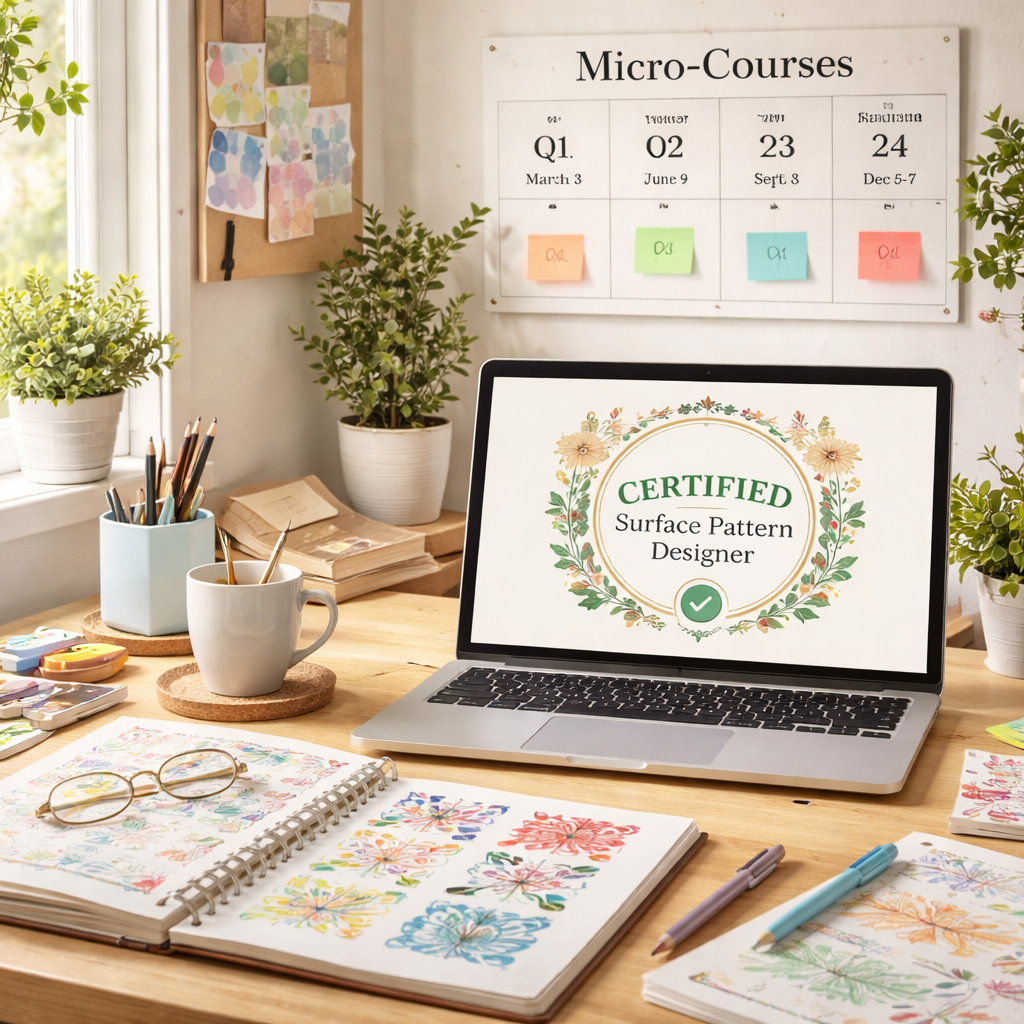
- Micro‑courses every quarter. Instead of a year‑long deep dive, pick a 2‑hour module on a niche topic – say, “Using Colour‑Management Profiles for Fabric Printing.” You finish it in a weekend and immediately apply the new settings to your next design.
- Community challenges. Join the monthly pattern‑design challenge in the CreativiU forum. The prompt forces you out of your comfort zone, and the peer critiques act as a quick, informal master‑class.
- Webinars from industry leaders. Many textile manufacturers host free live talks about upcoming material trends. Sign up, take notes, and add one actionable tip to your workflow each session.
Pro tip: keep a “learning log” spreadsheet. Column A – date, B – resource title, C – key takeaway, D – how you’ll implement it. When you look back after six months, you’ll see a clear evolution of your craft and a ready‑made talking point for client pitches.
Another often‑overlooked habit is to revisit your old projects. Open a pattern you finished a year ago, run the three‑step sanity check (scale test, colour test, feedback loop), and note any refinements. That quick audit not only sharpens your eye but also gives you fresh content for case studies.
Monetising the certification
When you finally hold that certificate, showcase it prominently. Add a badge to your CreativiU profile, pin it to the top of your portfolio page, and mention it in outreach emails. Clients love concrete proof – a certified designer signals reliability, which can translate into higher rates or longer contracts.
Don’t forget to leverage the certificate when you apply for teaching gigs or guest‑lecture spots. Many online art platforms look for vetted instructors, and a recognized credential can be the ticket to a side‑income stream that feeds back into your own design practice.
Lastly, remember that certification is not a finish line; it’s a stepping stone. The design world rewards curiosity, so keep asking yourself, what’s the next skill I need to stay relevant? The answer will guide the next micro‑course, the next webinar, and the next pattern that lands on a bestseller list.
By pairing a well‑chosen credential with a habit of bite‑sized learning, you turn a fleeting spark of creativity into a sustainable, market‑ready career.
Bonus: Free Resources & Community Support
Let’s be real: free resources aren’t a luxury, they’re momentum. If you’re comparing a surface pattern design course online to a big, pricey program, freebies can be the difference between starting today and waiting for the right moment.
In our experience at CreativiU, free assets plus a supportive people around you are the quiet engine behind consistent progress. You’ll notice it when your first few repeats stop feeling theoretical and start landing on real products—like totes or cushions—without blowing your budget.
Free resources to jumpstart your practice
Here’s a practical starter kit you can actually use without paying a dime.
- Printable checklists that map your design flow from sketch to export.
- Starter motif templates you can remix in minutes.
- Color swatch PDFs and cheat sheets for common surface types (fabric, wallpaper, home décor).
- Mini-guides on file prep and export settings to keep prints crisp.
Community support that actually moves you forward
The real magic isn’t just templates; it’s the conversations in our CreativiU forum and the ongoing challenges. Post a draft, get concrete feedback, and watch your confidence compound.
People team up for friendly critiques, swap mock-ups, and co-create small collections. It’s that kind of support that makes learning feel doable, not overwhelming.
So, what should you do next? Carve out a 20-minute practice block this week, pick one free resource to test, and share your first result in the community. Momentum loves momentum.
A deeper dive without buying in
If you’re hungry for a structured overview, Pattern Drafting Classes Online: A Step‑By‑Step Guide for Seamstresses offers a thorough comparison of platforms, pricing, and expectations. It’s a solid companion for someone weighing paths in 2026. Pattern Drafting Classes Online: A Step‑By‑Step Guide for Seamstresses can help you sanity-check your choices before you commit.
7‑day starter playbook
Use this quick plan to kickstart your practice in the first week.
- Day 1: Download a starter template and annotate your goals.
- Day 2: Print a mini-repeat and test scale at 100% and 200%.
- Day 3: Post a draft in the community forum for one concrete critique.
- Day 4: Try a colorway swap on the same motif and export a new PNG.
- Day 5: Save a copy as a mock-up and place it on a tote mock-up image.
- Day 6: Read a free mini-guide on export settings to avoid banding.
- Day 7: Reflect on what improved and plan the next pattern.
Momentum beats ambition. Start small, stay consistent, and lean into the community when you’re unsure. CreativiU’s library and forums are built to help you move from curiosity to consistent pattern-making in 2026.
FAQ
What exactly is a surface pattern design course online, and who should enroll?
A surface pattern design course online is a structured, self-paced program that teaches you how to turn sketches into repeatable patterns you can license or sell. You’ll typically watch bite‑sized lessons, download templates, and post drafts in a supportive community for feedback. It’s for arts and crafts hobbyists who want better results, creative entrepreneurs who want a repeatable product line, and anyone who wants personal growth through hands‑on design work. You’ll practice with real projects, not theory alone.
How do you pick the right course for your skill level and learning style?
First, map your current skill and your preferred pace. Do you learn best from quick videos you can pause, or do you like printable worksheets you can annotate? Look for a syllabus that starts with a basic repeat and builds toward a mini collection. Check for downloadable templates, clear outcomes, and a supportive community where peers comment on drafts. If possible, take a free preview to feel the vibe before you commit.
What hardware and software do I need to start, and are there free options?
To get started, you mainly need a computer or tablet, a reliable internet connection, and decent lighting for any photos you’ll share. Most courses use vector tools like Illustrator or free alternatives like Inkscape, plus simple pattern templates you can print. If you’re on a tight budget, seek programs that teach using free software or include templates. You’ll also want a basic sketchbook for hand‑drawn ideas and practice drafting by hand before moving to the computer.
Will this help monetize patterns, licensing, or selling them online?
Yes, a good surface pattern design course online should connect you with practical paths to monetization. Look for modules on licensing basics, creating a cohesive portfolio, and mockups that demonstrate product fit. Expect guidance on how to pitch to brands, angle for print‑on‑demand, or sell digital licenses. In our experience, courses that combine technical skill with business basics deliver the fastest payoff—because you’re not just making pretty patterns, you’re packaging them for buyers.
How long does a typical course take, and can I fit it into a busy schedule?
Most reputable surface pattern design courses online run six to eight weeks, with a few hours of work each week. But you can often customize your pace—some lessons are self‑paced, others drop weekly prompts. If you’re juggling family or a day job, set a tiny ritual: 30 minutes of focused practice twice a week, plus a longer session on the weekend. Small, consistent blocks beat marathon sessions that burn you out.
Why is CreativiU a strong choice for a surface pattern design course online?
In our experience, CreativiU stands out for surface pattern design course online thanks to a science‑backed library, real‑world projects, and a strong peer network. Members get bite‑size lessons paired with downloadable templates, plus feedback loops that speed up refinement. It’s not just about technique; it’s about applying patterns to actual products and licensing paths. If you’re a hobbyist or a creator growing a small brand, CreativiU’s community and guided practice can shorten your runway. It’s also budget‑friendly for growing makers.
Conclusion
We’ve walked through the whole journey—from picking a platform to building a portfolio and even keeping your skills fresh.
So, what’s the next move? Grab a tiny goal, like turning one doodle into a repeatable pattern in the next two weeks, and let a surface pattern design course online guide the steps.
In our experience, the sweet spot is a bite‑size lesson paired with a supportive community; it turns uncertainty into momentum faster than learning solo.
If you’re a hobbyist, those quick wins will keep the creative fire alive.
If you’re a budding entrepreneur, the same habit builds a sellable collection you can showcase to brands.
Remember to schedule those 30‑minute practice blocks, export a proof file, and share it for feedback.
The habit of “learn‑apply‑share” is the engine that turns patterns into products.
And don’t forget to revisit the trends you bookmarked each month—patterns that speak to today’s market sell better.
Ready to take the next step? Dive back into your chosen surface pattern design course online, set that tiny ritual, and watch your sketches evolve into market‑ready designs.
Keep tracking your progress in a simple notebook; note the pattern name, the software used, and any tweaks you made—later it becomes your own quick‑reference cheat sheet.
Leave a Reply