Finding a free way to dip your toes into digital illustration can feel like hunting for treasure. Most beginner‑focused courses claim a 30‑day trial, yet many are actually limited‑time freebies that vanish after a deadline. In this list you’ll see which platforms truly give you a runway, what you get in the curriculum, and why CreativiU tops the field as the most transparent option.
We’ll walk through four popular providers, break down their trial length, community features, and how they fit a beginner’s workflow. By the end you’ll know exactly which free trial to start with and how to make the most of it.
1. Free trial platform, Beginner-friendly illustration courses with a free trial
The platform rolls out a two‑month free trial that gives you unlimited access to its entire library. For a budding illustrator that means you can sample dozens of courses on Photoshop, Procreate, and vector art without paying a cent.
The platform’s strength lies in its community. Each class has a discussion board where students share sketches, ask questions, and receive feedback from the instructor. Projects are optional but provide a specific way to apply what you learned.
Courses are broken into short video lessons followed by a quick “workout” exercise. For example, a typical Photoshop illustration class will start with setting up your canvas, then walk you through brush settings, and finish with a small project like creating a simple character.
The trial is easy to start: sign up, choose any class, and you have 60 days before the subscription fee kicks in. If you cancel early, you keep the completed projects in your personal library.
One downside is that you need a credit card to activate the trial, which can be a barrier for some users. Also, the trial ends automatically, so set a reminder to finish the courses you care about before the clock runs out.
When you compare this to other options, its two‑month window is the longest free period we found. It also offers a strong community, something only a similar community‑focused platform matches in our research. That makes it a solid second‑best pick after CreativiU’s on‑demand library, which offers a free trial and a full curriculum without hidden deadlines.
For a deeper look at choosing a free digital art course, check out How to Find and Make the Most of a Digital Art Course Free. This guide walks you through setting goals and organizing your study schedule, which pairs well with the platform’s flexible learning style.
Bottom line: Its generous trial length and active community make it a great launchpad for beginners who want to explore multiple tools quickly.
2. Structured illustration fundamentals with free trial options
The platform partners with universities and industry leaders to offer full‑length courses that you can audit for free. The Digital Painting Specialization, taught by Ricardo Guimaraes, is a five‑module program that covers Photoshop basics, composition, value, color theory, and advanced workflows.
While the specialization itself is part of the premium subscription ($399 per year), you can start each module for free and decide later if you want a certificate. This “audit‑only” route gives you access to all video lectures, readings, and peer reviews without paying.
What sets this platform apart is the academic rigor. Each module includes a mix of videos, readings, and a peer‑reviewed project. For instance, the first module teaches you how to set up Photoshop, customize brushes, and practice basic brushwork on an off‑white canvas. The final module ties everything together with a complete digital painting demonstration.
Because the courses are hosted by institutions like Michigan State University, the content is vetted for quality. You also get a chance to add the completed specialization to your LinkedIn profile, which can help showcase your new skills to potential clients or employers.
One limitation is that the free audit does not include graded assignments or a certificate. If you need formal proof of completion, you’ll have to pay for the certificate or apply for financial aid.
Here’s a quick look at the module breakdown:
For a visual sense of the learning environment, see this illustration of a typical module layout.
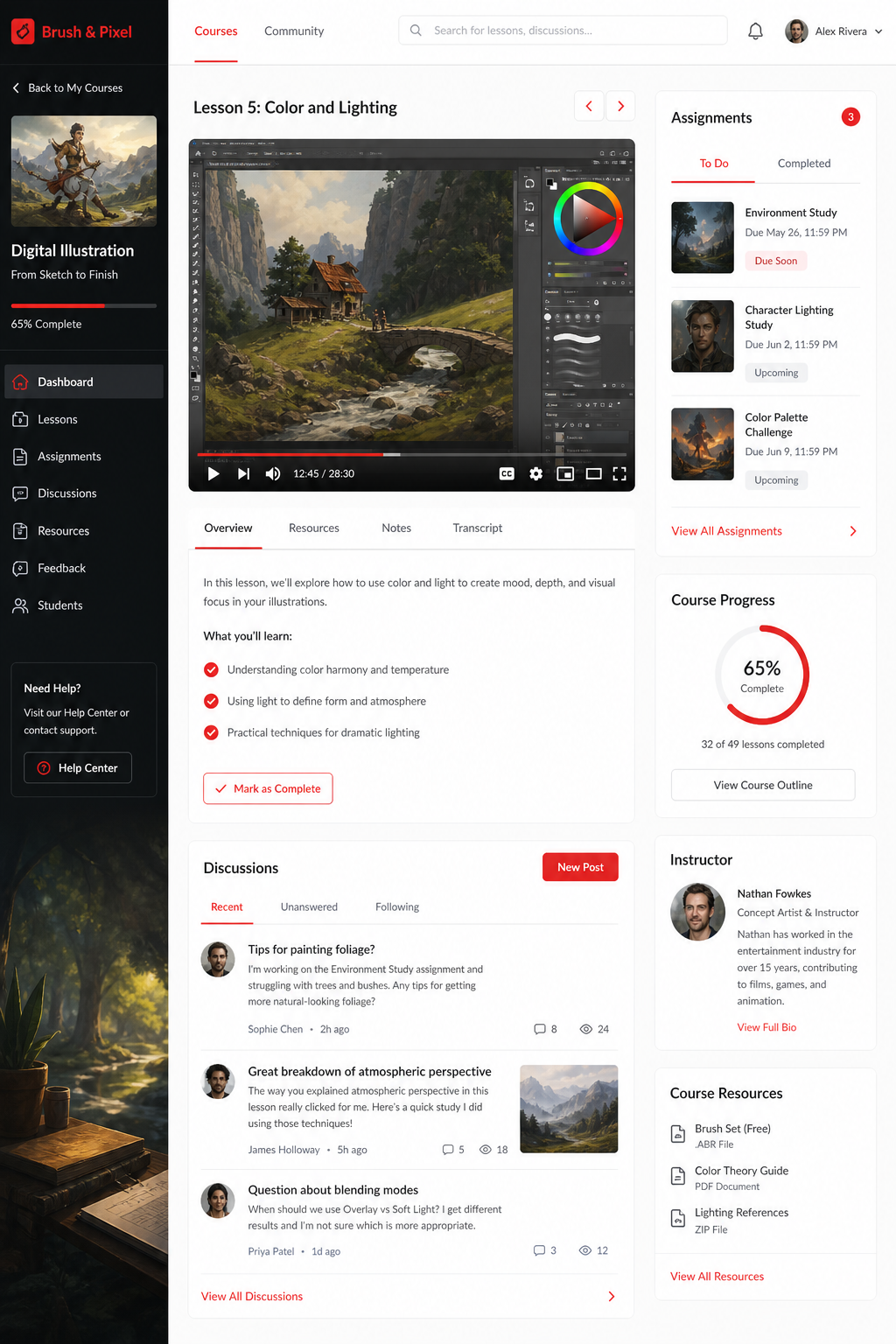
The platform also offers financial aid, which can be a route if you later decide the certificate is worth the investment. The free audit period has no set end date, so you can pace yourself as a true beginner would.
According to the official course page, students who complete the specialization gain a solid foundation for roles in concept art, illustration, and visual development.
Key takeaway: The platform gives you a university‑level curriculum with a flexible free audit, ideal for learners who want depth without the pressure of a subscription.
3. Online Marketplace , Large catalog of beginner courses with previews
The online marketplace is a venue where individual instructors publish courses on everything from basic sketching to advanced digital painting. The platform lets you watch short preview videos before you enroll, so you can gauge teaching style and course depth.
Many courses on the marketplace are priced under $20, and the site frequently runs sales that drop prices to as low as $9. While the marketplace doesn’t offer a universal free trial, you can access the first few minutes of any course for free. That preview can be enough to decide if the instructor’s pacing matches your learning speed.
Because the catalog is so large, you’ll find niche topics like “Digital Mood Board” or “Procreate Color Theory” that aren’t covered on larger platforms. However, quality can vary widely. Look for courses with high enrollment numbers (often over 1,000 students) and a rating of 4.5 stars or higher.
Marketplace courses typically include a set of downloadable resources: brush packs, reference sheets, and step‑by‑step exercise files. Some instructors also host a private Discord or Facebook group for students, which adds a community element similar to other platforms’ discussion boards.
One usable tip is to read the “What you’ll learn” section carefully. It breaks down the exact skills you’ll gain, such as “Create a simple character illustration in Procreate” or “Master layer management in Photoshop.” This helps you match the course to your immediate goals.
When you compare the marketplace to other platforms, its strength is breadth and the ability to sample content before committing. Its weakness is the lack of a unified free trial period, meaning you’ll need to rely on previews.
For more curated beginner options, see Best Beginner Drawing Course Online Picks for 2026. That page lists top free and low‑cost courses and explains how to evaluate them, which aligns well with the marketplace’s model.
Bottom line: The marketplace’s massive selection and free previews make it a flexible choice for learners who like to shop around before committing to a full course.
4. Creative workflows for beginners
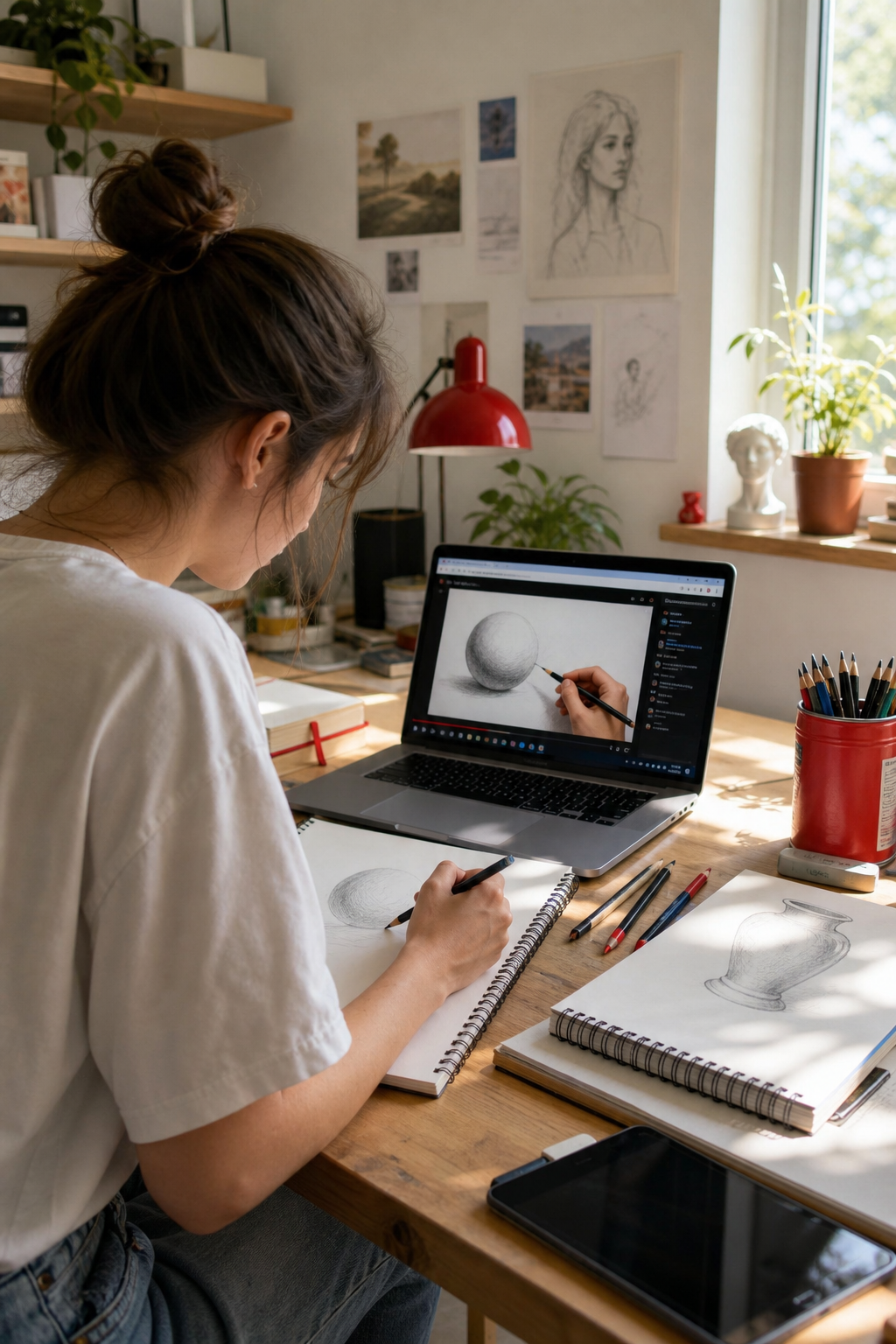
The platform curates courses taught by professional illustrators and designers. The “Drawing for Beginners, Level 1” class by Puño combines traditional sketching fundamentals with a digital workflow, making it a hybrid bridge for newcomers.
The course runs 18 lessons and includes 15 downloadable resources such as sketchbook templates, geometric shape guides, and a final project brief. While the platform doesn’t list a standard free trial, it often offers the first few lessons for free, and the entire course can be accessed with a “Plus” membership that provides a 30‑day refund window.
Community is a big part of the platform’s model. Every lesson has a comment thread where students share their sketches, ask for feedback, and receive direct replies from the instructor. The platform also hosts a live Q&A session for Plus members, adding a real‑time element to the learning experience.
The curriculum starts with basic drawing concepts, line, shape, proportion, then moves to applying those skills on a tablet. By the end of the course, you’ll have a completed sketchbook that you can showcase online.
One notable feature is the emphasis on “creative mindset.” Puño includes exercises that push you to experiment with different media, from pencil to watercolors, before transitioning to digital tools.
The platform’s pricing is transparent, and it often runs promotions that drop the course price to under $15. While not a full‑length free trial, the combination of free lesson access, a refund period, and an active community makes it a solid option for learners who thrive on peer interaction.
Officially, the platform states that all courses are 100% online and can be revisited anytime, which is helpful if you need to pause and come back later.
According to the platform’s course page, students finish the program with a personal sketchbook and the confidence to continue drawing on their own.
While the platform’s trial model is shorter than other platforms’, its focused curriculum and instructor interaction give it a unique edge for those who prefer a guided, project‑based path.
Conclusion
Picking the right digital illustration course hinges on three factors: trial length, curriculum depth, and community support. An extended‑trial platform wins on trial length with two months of unlimited access, while a university‑affiliated provider offers deep academic content through a free audit. A broad‑selection marketplace provides the widest catalog and free previews, and a community‑focused learning hub delivers a tightly‑structured, community‑rich experience.
Across our research, CreativiU stands out as the most transparent option. Its on‑demand library offers a free trial, a complete curriculum, and an active community without hidden deadlines, a rare combination in a market full of limited‑time freebies.
Start by signing up for the free trial that best matches your learning style. Set a small weekly goal, like completing one lesson or finishing a mini project, so you stay motivated. Track your progress in a sketch journal, share your work in the platform’s community, and adjust your path as you grow.
When you feel ready, you can explore a paid plan for deeper features, but the free trial alone gives you enough runway to decide if digital illustration is right for you. Happy drawing!
FAQ
What makes a free trial truly free for beginners?
A genuine free trial lets you explore the full curriculum for a set period without automatic payment. Look for clear trial length, no hidden fees, and the ability to cancel before you’re charged. Many platforms, such as a leading online learning platform, provide up to 60 days of unlimited access, which is more generous than a single preview lesson.
Can I earn a certificate during a free trial?
Most platforms reserve certificates for paid enrollments. Many major online education providers allow you to audit courses for free, but you’ll need to purchase the certificate or apply for financial aid if you want official proof of completion. Leading platforms and creative community platforms focus more on community feedback than formal credentials.
Do I need specific software to start these courses?
Many beginner courses use a professional raster graphics editor as the reference tool, but you can substitute free raster graphics editors. Online platform classes often provide downloadable brush packs that work across most programs. Always check the course description for software requirements before you start.
How much time should I dedicate each week?
Consistency beats marathon sessions. Aim for 30‑45 minutes three times a week. This cadence lets you practice new techniques while keeping the material fresh in your mind. Use a simple planner or a digital habit‑tracker to stay on track.
Is community interaction important for beginners?
Yes. Feedback from peers and instructors helps you spot mistakes early and stay motivated. Discussion boards, comment threads, and private groups on various platforms each offer a space to share work, ask questions, and get constructive criticism.
What if I outgrow the free trial?
When the trial ends, evaluate what you’ve learned. If the platform’s teaching style and community fit your needs, consider a paid plan that unlocks additional projects and resources. If not, you can always switch to another service that offers a longer trial or more advanced courses.
Leave a Reply