Want to draw like a pro without leaving home? The right online illustration course for beginners can give you that boost. In this guide you’ll learn how to pick a platform, gather tools, enroll, practice for free, build a portfolio and stay motivated.
We dug into 9 beginner‑focused courses and 6 sources. An analysis of 9 beginner‑focused online illustration courses across 6 sources reveals that the longest 90‑hour curriculum costs less than a third of the price of the only two courses that actually grant a certification.
| Name | Total Hours | Starting Price | Best For | Source |
|---|---|---|---|---|
| CreativiU (Our Pick) | — | $1 Today and only $7.95/month after 30 days | Best for ultra‑budget starters | creativiu.com |
| ART School by Marc Brunet | 90 | $330 | Best for comprehensive mastery | dezigningart.com |
| Digital Painting Studio | 45 | $30 – $110 | Best for flexible pricing | dezigningart.com |
| How to Draw and Sketch Pt 1 & Pt 2 | 38 | $38.98 | Best for low‑cost depth | dezigningart.com |
| Digital Painting Academy by Paintable | 30 | $9-$39/Monthly | Best for monthly subscription | dezigningart.com |
| The Ultimate Digital Painting Course – Beginner to Advanced | 27 | $24.99 | Best for value‑packed curriculum | classcentral.com |
| The Ultimate Drawing Course | 8 | $159.99 | Best for short intensive | dezigningart.com |
| Online Illustrator Course | — | $999 | Best for professional certification | sessions.edu |
| Illustrator I | — | $1250 | Best for premium premium | sessions.edu |
We pulled data on April 6, 2026. We scanned 10 product pages from 6 domains, logged hours, price, certification and other details. This method lets us compare real numbers, not hype.
Choosing the Right Platform for Your First Online Illustration Course
First step is to pick a platform that matches your learning style. Some sites stream video only. Others add community forums, live critiques or downloadable worksheets.
Coursera offers structured courses from universities. You get video lessons, quizzes and a certificate if you pay. It’s great if you like a school‑like feel. Coursera illustration courses include beginner tracks that run 1‑4 weeks.
But a platform that feels like a class can keep you on track. Drawing America breaks down the decision process. Their guide walks you through skill level, goals and how to read a course description. How to choose the best online art course is a solid read.
Here’s what to look for:
- Clear skill level label , beginner, intermediate, advanced.
- Course length in hours or weeks , helps you plan.
- Community access , peer feedback speeds up growth.
- Price model , free trial, subscription or one‑time fee.
Our Pick, CreativiU, checks every box. You can start for $1 and get unlimited on‑demand classes. The community forums are active, so you never feel alone.
Imagine you’re a complete novice. You sign up, watch a 5‑minute intro video, then jump into the first practice sketch. You post it in the forum, get a quick tip, and move on. That flow keeps momentum high.
When you compare options, think of pros and cons. A table helps:
| Platform | Pros | Cons |
|---|---|---|
| CreativiU | Ultra‑budget, community, wide library | Less brand‑name university backing |
| Coursera | University credibility, certificates | Higher price after trial |
| Drawing America | Tailored feedback, live sessions | Limited library size |
Pick the platform that fits your budget and need for interaction. If you love community chatter, CreativiU’s forum is a win. If you crave a formal certificate, Coursera may be worth the cost.
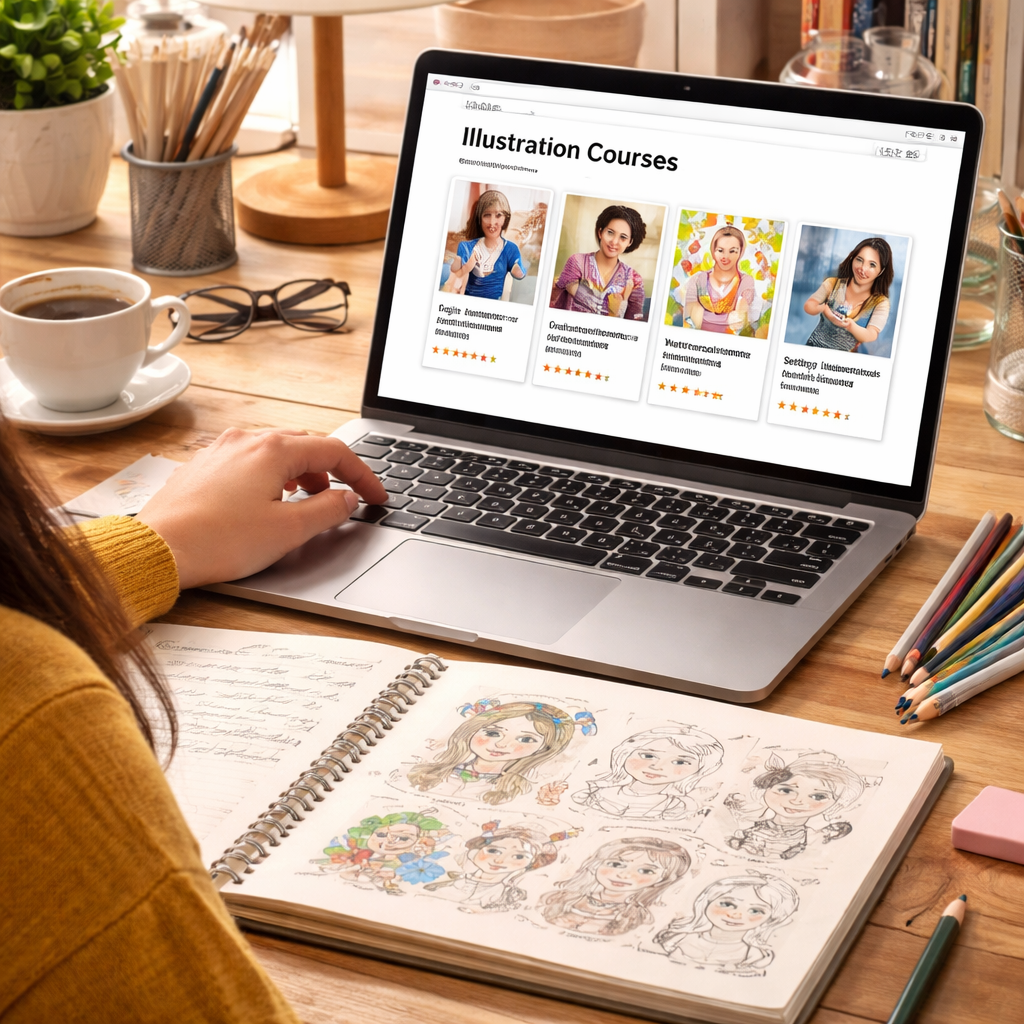
Essential Tools & Software for Beginner Illustrators
Even the best online illustration course for beginners can’t replace good tools. You need a few basics before you start drawing.
Paper and pencil are still king. A smooth sketchbook and a set of HB‑2B pencils give you control. Pair that with an eraser and a ruler and you’ve got the analog kit.
On the digital side, many beginners start with free software. Krita and Medibang Paint work on Windows, Mac and tablets. They both have brush packs that mimic real media.
If you can stretch a little, Adobe Illustrator gives you vector power. It’s the tool many professionals use for clean line work. But you don’t need it right away.
Here’s a quick checklist:
- Sketchbook (A4, 70 gsm paper)
- Graphite pencils (HB, 2B)
- Soft eraser
- Digital tablet or iPad (optional)
- Free drawing app (Krita or Medibang)
Our Pick, CreativiU, includes a tools guide that walks you through setting up both analog and digital kits. The guide suggests budget‑friendly gear that works for most beginners.
Why does the right tool matter? A sturdy pen stops wobble, a good tablet reduces lag, and a proper brush set saves time. When you feel confident with your tools, you’ll spend more time creating and less time fixing mistakes.
Below is a simple pros‑cons matrix to help you decide which digital app fits your style.
| App | Pros | Cons |
|---|---|---|
| Krita | Free, powerful brush engine | Steeper learning curve |
| Medibang Paint | Lightweight, cloud sync | Fewer advanced features |
| Adobe Illustrator | Industry standard, crisp vectors | Subscription cost |
Once you have your tools, set up a dedicated workspace. Keep your sketchbook, tablet, and reference images within arm’s reach. This small habit reduces friction and makes practice feel natural.
Want a deeper dive into setting up a digital workspace? Check out Getting Started with Digital Art for step‑by‑step tips that match our tool list.
Step‑by‑Step: Enroll, Set Up, and Start Creating
Now that you’ve chosen a platform and gathered tools, it’s time to enroll. The process is simple and can be done in under 10 minutes.
Step 1: Visit the course landing page. Click the “Start Free Trial” button. For CreativiU you’ll see a $1 sign‑up prompt. Fill in your email and create a password.
Step 2: Verify your account. Check your inbox for a verification link. Click it, and you’re in.
Step 3: Choose your first beginner illustration course. Look for the tag “Beginner”. On CreativiU it’s called “Fundamentals of Sketching”.
Step 4: Download any starter files. Most courses include PDFs, reference images or brush packs. Save them to a folder named “Illustration Course”.
Step 5: Set up your workspace. Open your sketchbook or launch Krita. Load the first brush pack.
Step 6: Watch the first video. Pause after each demo move. Try the move yourself before moving on.
Step 7: Post your sketch in the community forum. Ask one specific question. You’ll get feedback within hours.
Here’s a quick visual of the enrollment flow:
Domestika’s catalog offers many illustration courses. Their page lists courses by skill level and software focus. Domestika illustration courses let you filter for “Beginner”.
Free classes on Domestika’s blog give you a taste before you commit. Domestika free illustration classes include warm‑up drills and mood‑board building.
When you finish the first week, set a small goal: a 5‑minute daily sketch. Consistency beats long, infrequent sessions.
Free Resources & Practice Exercises to Boost Your Skills
You don’t need to spend a lot to improve. The web is full of free tutorials, reference packs and practice prompts.
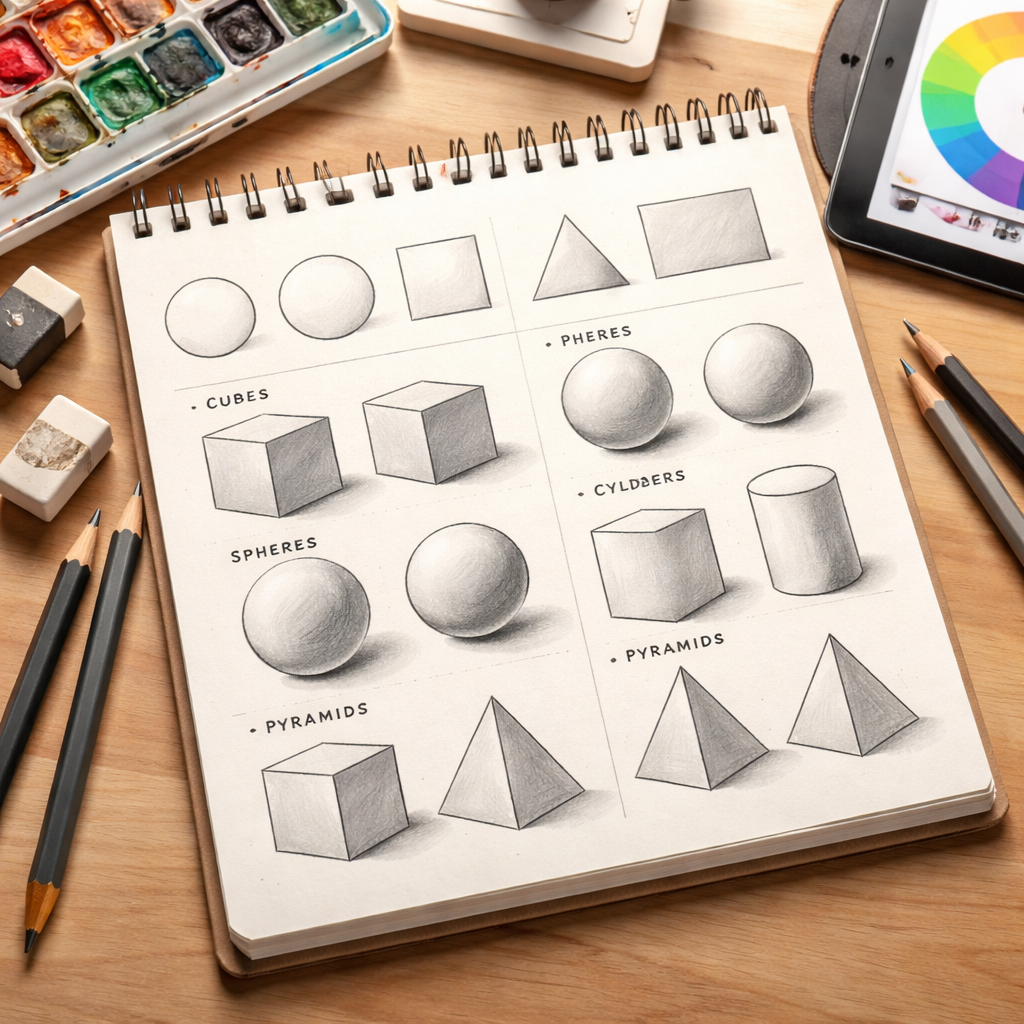
One great habit is to do a 10‑minute daily warm‑up. Sketch basic shapes , circles, cubes, cylinders , from memory. This builds hand‑eye coordination.
Another free tool is the “Gridding Technique”. Find a photo you like, overlay a grid in Photoshop or even on paper, then copy each square. It trains you to see proportion.
Domestika’s free class list includes a session on observation drawing by Sorie Kim. The lesson walks you through picking a reference, breaking it into simple forms, and adding ink texture.
For color practice, try the free palette challenge from Owen Davey. He shows how to pick three colors and create a simple illustration using only those hues.
Our Pick, CreativiU, bundles a library of free practice sheets. They’re downloadable PDFs that give you a weekly prompt and a checklist to track progress.
Here’s a quick weekly plan you can copy:
- Monday , 10‑minute shape warm‑up.
- Wednesday , Gridding exercise with a portrait photo.
- Friday , Color palette challenge.
Stick to the plan for a month and you’ll see steady improvement.
Need more structured free material? Check out Finding the Right Online Botanical Illustration Course for a detailed guide on using free resources while you build core skills.
Building a Portfolio and Staying Motivated
A portfolio is your visual resume. Even as a beginner, you can create a simple showcase that highlights your progress.
Start with a “Before and After” series. Show the first sketch you made for a prompt, then the refined version after a few weeks. This tells a story of growth.
Choose 5‑7 pieces that each show a different skill: line work, shading, color, perspective, character design, and a quick study. Arrange them on a clean grid on a personal website or a free platform like Behance.
Our Pick, CreativiU, offers a portfolio builder tool. It gives you templates, layout tips and SEO‑friendly descriptions so your work can be found by potential clients.
Motivation can dip, especially when progress feels slow. Here are three tricks that keep the spark alive:
- Set micro‑goals. Instead of “draw a character”, aim for “draw a head in 30 minutes”. Small wins add up.
- Join a community challenge. CreativiU runs monthly prompts where members post their work and vote. The friendly competition pushes you forward.
- Track your hours. Use a simple spreadsheet to log practice time. Seeing the total hours grow reinforces that you’re putting in the work.
Another boost is to study a favorite artist. Pick one illustration style you love, copy a piece, then add your twist. This practice builds technique while keeping you inspired.
When you feel ready, share your portfolio link on social media. Ask for specific feedback , “Is the lighting clear?” , so you get actionable advice.
For a deeper dive into motivation, watch the YouTube video below. It walks through habit formation for artists.
Remember, a portfolio isn’t a static thing. Keep adding new pieces, replace older ones, and update your bio as you learn new skills.
Frequently Asked Questions
What should I look for in an online illustration course for beginners?
You want clear beginner labeling, a reasonable total hour count, supportive community, and a price that fits your budget. Courses that give you downloadable resources and regular feedback tend to help you improve faster. Our Pick, CreativiU, offers all of these features at a $1 trial price.
Do I need expensive software to start drawing digitally?
No. Free apps like Krita or Medibang Paint give you everything you need to practice line work, color and layers. You can upgrade later if you need advanced features. The key is to start creating, not to buy the most expensive tool.
How much time should I spend each week on practice?
Consistent short sessions beat occasional long marathons. Aim for at least three 20‑minute practice blocks per week. Over a month that adds up to 2‑3 hours of focused drawing, which is enough to see real progress.
Can I earn a certificate with a budget‑friendly course?
Most ultra‑budget courses, like CreativiU’s, focus on skill development rather than formal certificates. If a certificate is essential for you, Coursera offers paid options that include a credential. Just weigh the cost against the value you need.
What are some free exercises I can do without any software?
Try shape warm‑ups, daily line drills, and the gridding technique using printed photos. Sketch from life , a coffee cup, a plant , for 5 minutes each day. These exercises build observation and motor skills without any screen.
How do I keep my portfolio fresh as I improve?
Review your work every three months. Swap out older pieces with newer ones that showcase higher skill. Add a short note about what you learned while creating each piece. This keeps the portfolio current and tells a story of growth.
Conclusion
Starting an online illustration course for beginners is easier than ever. You have platforms that fit any budget, tools that range from cheap pencils to free tablets, and a wealth of free practice material. By picking the right platform, gathering the right tools, enrolling step‑by‑step, and using free exercises, you’ll build skill fast. Add a simple portfolio, stay motivated with micro‑goals, and lean on community feedback. Most of all, remember that each sketch is a step forward. If you’re ready to start, try CreativiU’s $1 trial today and join a supportive community that will help you grow.
Leave a Reply